
Working out loud, together
What two hours a day of building with Claude Code actually looks like.

Last year, Claire Vo told us at Women In Product that 99% of the AI learning content was being posted by men, and called on us to share more publicly about how we are building.
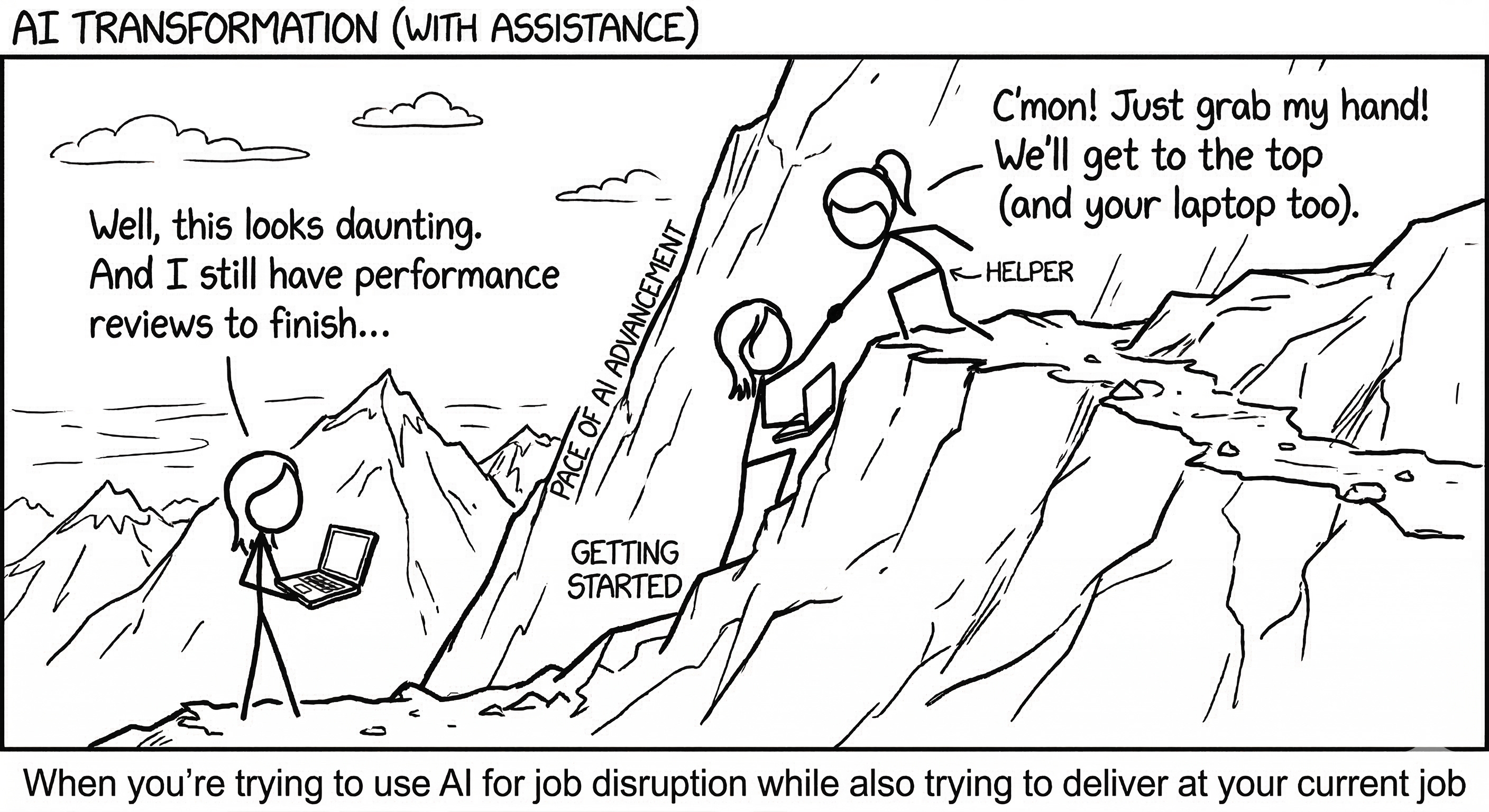
That landed for me. We have to close that fear gap of sharing our knowledge (and where we’re still learning) in public. So many fellow tech executives I’ve talked to admitted, “I know I need to be building more, but can you sit next to me while I get started?” Fears of falling behind, of being perceived as not technical enough, of imposter syndrome… some of those fears are valid, but we’ve got to learn and build through it together. You can sit with me!
At Twitter, we had a popular Slack channel called #work-out-loud where anyone could share what they were working on — research insights, mockups, prototypes, half-baked ideas. The concept was simple: encourage cross-pollination and build better together. I brought #workoutloud to eBay too, along with a few #vibecoding channels that became spaces where people posted projects, asked for help, discussed AI articles, noodled on ideas, and sometimes sparked side projects from scratch.
I only commit New Year’s resolutions after Lunar New Year and the weather starts warming up. This year, I’m committing to working out loud in public, even if it feels a little scary, about how I am learning to build with AI. Let’s co-work and learn together.
Getting my hands dirty
My commitment to hands-on AI building has grown steadily: weekly vibe coding sessions with teams, then quarterly hackathons, then an hour a day by last year. Now I’m setting aside two hours a day of Claude Code time, because it honestly seems necessary.
Talking about AI, or even building in teams with AI, is not the same as building with AI yourself. Even though my day job is building AI architecture, there’s still no substitute for getting my own hands dirty as a builder.
Some projects I’m committing to sharing on “how I built this with AI” in public:
An ecological intelligence layer for scientific observations. Of the 18,000 MCP servers built to date, 99% are for software engineering. I’m spinning up open source MCP servers and a knowledge graph layer to help scientists unlock ecological intelligence.
Two books — one on ecological patterns and team leadership, and a personal memoir on motherhood and belonging.
Helping creative communities outside tech harness AI. Some of the most powerful workforce transformation I’ve driven has been with non-engineering teams. When we help “non-technical” people unleash their creativity by confidently using AI as a tool, great things follow — like training a writing coach and editor for your book using Claude Skills and zero code.
My favorite Claude Code workflow hacks right now
/voice — Long-press Spacebar in the Claude Code terminal to dictate instead of typing. This accelerates my sessions closer to the speed of thinking.
Remote Control — Just released in the last week or so. Remote Control on Claude Code means I can sync it up with my phone and go for a walk or hike while cleaning up edits to my memoir or running tests on my MCP servers. It’s like my 1:1 walk-and-talks. (I’ve found it slightly buggy so far — maybe because I ran way too many terminal sessions concurrently — but I’m excited to work with it more.)
btw — Claude Code usually runs on its own and queues your next prompt when it finishes a task. But if you’re like me and have “oh, one more thing” pop up the second you hit enter, you can type btw to send an interruption or additional context without stopping what Claude is doing.
Obsidian — A free markdown editor that makes writing in .md files so much more enjoyable. Claude Code and I co-write in our markdown files, often I’m using Obsidian for editing, and my terminal in Cursor or VS Code for talking to Claude Code.
Claude Skills — A good place to start is asking Claude Code to add the relevant skills to your projects from open source resources below, and from the Claude API. As I’ve gone along, I’ve also trained a bunch of custom Claude Skills for my own workflows: an AI technical project manager, an engineering manager who does code reviews, a CTO advisor, and a book editor and writing coach. Let me know which ones you’d like me to share!
What are your favorite AI workflow hacks right now?
More resources
“I just need to get started”: I used Claude’s browser agent to make a Youtube Playlist of beginner Claude Tutorials
“How to set up agents and projects”: Shoutout to the ladies at Technically Curious for these great posts on how to get started with project management using Claude!
“I’m ready to train my first Claude Skill?”: Claude Skills available to all: https://github.com/travisvn/awesome-claude-skills.
